Practice essentials · Practical field guide
What is HIPAA compliance meaning in healthcare
A clinician asks whether a tool is HIPAA compliant. The useful next question is: what information will this practice send, to whom, and for what purpose?
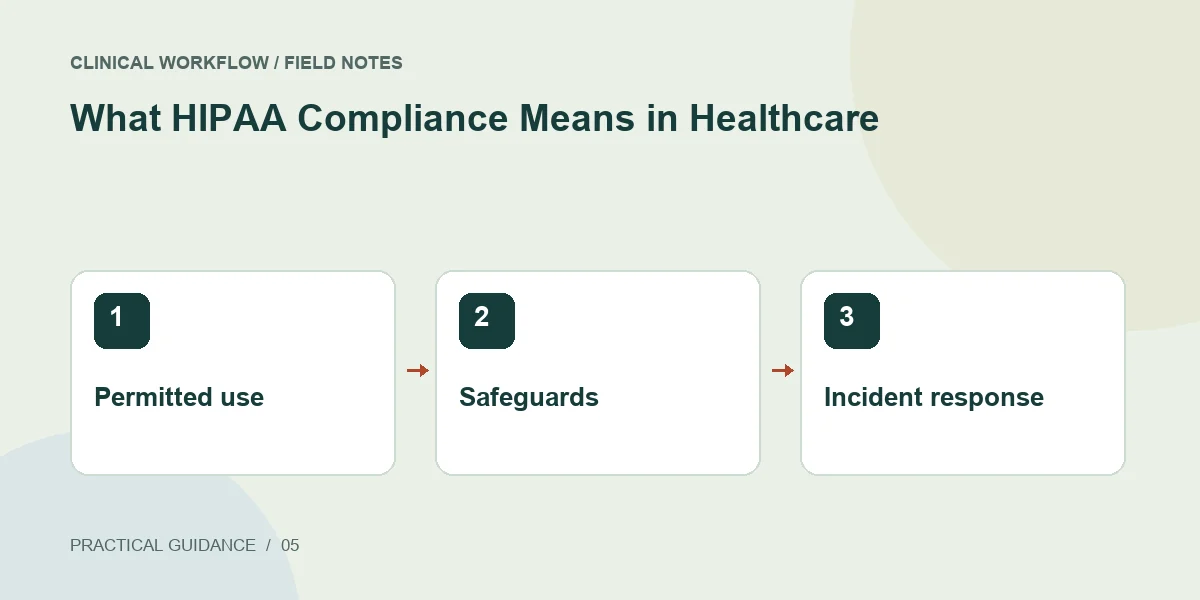
The practical answer
HIPAA compliance is an organization's ongoing fulfillment of the rules that apply to its role and activities. It includes privacy responsibilities, safeguards for electronic PHI, and breach obligations where applicable.
Use three questions in everyday decisions
First, ask whether a use or disclosure is permitted. Second, ask how the information is protected in this workflow. Third, ask how the organization will recognize and respond when something goes wrong. These questions help staff route an issue to the appropriate owner.
The Privacy Rule addresses PHI and individual rights. The Security Rule focuses on ePHI. Breach requirements address certain incidents involving unsecured PHI. Calling all three simply 'IT security' can leave a practice with strong devices but unclear patient-request and disclosure procedures.
Translate broad labels into a real example
Imagine a fictional clinic testing a drafting assistant. The team first uses invented notes to evaluate whether the outputs are useful. Before any real patient information is introduced, it records the intended purpose, approved users, destinations, review responsibility, and vendor questions.
This review creates a concrete decision rather than an assumption based on a logo or a sales claim. A tool may support safeguards without making every possible use appropriate. Keep approval specific enough that staff can distinguish the reviewed workflow from a new feature or integration.
Make the program visible to staff
Use the questions that staff actually ask to improve instructions. If several employees ask whether a personal account is acceptable, the answer belongs in the workflow, not only in an email to one person. Revisit the decision when the tool or its configuration changes.
- Publish a short list of approved systems and workflow owners.
- Provide a clear route for privacy and security questions.
- Explain how to report a suspected mistake promptly.
- Track unresolved decisions with owners and due dates.
Sources & scope
Primary references consulted October 22, 2026. Practical exercises and checklists are editorial implementation suggestions, not quoted legal requirements.
- HHS: Summary of the HIPAA Privacy Rule
- HHS: Summary of the HIPAA Security Rule
- HHS: Breach Notification Rule
Educational content; not legal advice. Confirm current requirements for your organization and jurisdiction. Read our editorial and commercial disclosure.