Vendors & governance · Practical field guide
What is HIPAA compliance business associate agreement
A signed BAA can sit in a folder while a newly enabled feature sends data somewhere the review never covered. Keep the agreement connected to the service people actually use.
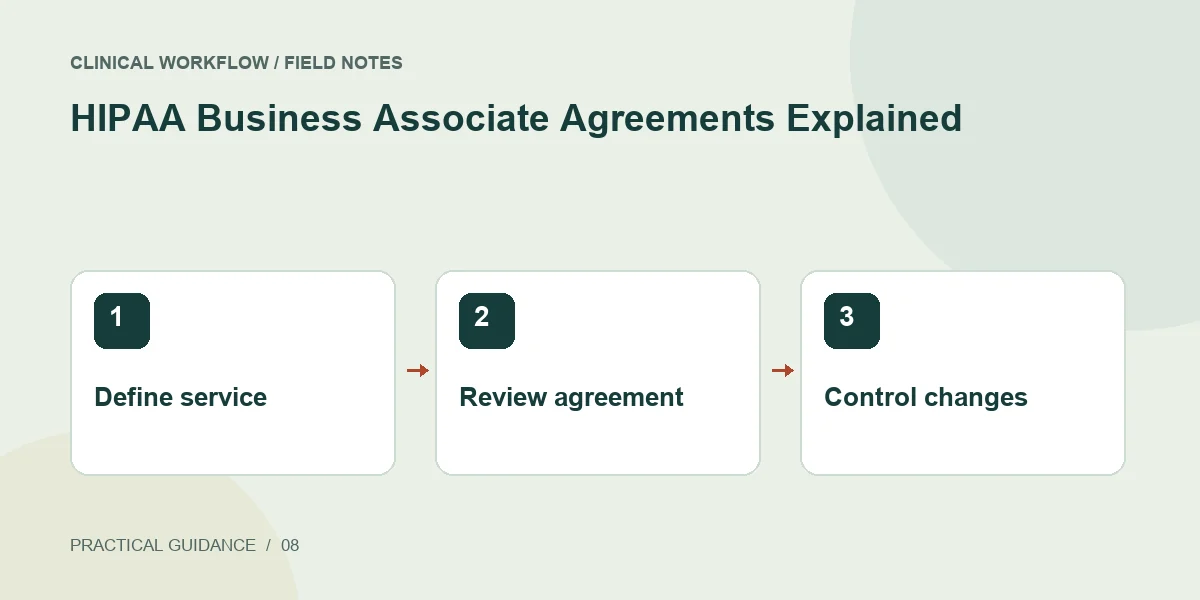
The practical answer
A business associate agreement establishes required assurances for a relationship involving a business associate. It addresses PHI responsibilities; it does not independently prove that every service configuration or staff action is compliant.
Determine the vendor's role first
HHS describes business associates as outside persons or organizations performing certain functions or services involving PHI on a covered entity's behalf. Relevant subcontractors can also be business associates. Assess the actual activity rather than relying only on the vendor's industry label.
Give the reviewer a simple description of the service: what it does, what information it receives, and whom it serves. Include AI processing, storage, support, and connected services. This makes the contract question concrete enough for privacy or legal review.
Connect the agreement to operational questions
Use the required contract elements in 45 CFR 164.504(e) and HHS guidance as the legal reference. The questions above are a practical review aid, not a replacement contract. Route ambiguous terms to the person authorized to accept the organization's obligations.
- Which legal entity and exact services are covered?
- What uses and disclosures are permitted?
- What safeguards and incident-reporting provisions apply?
- How are relevant subcontractor obligations handled?
- What happens to PHI when the relationship ends?
Review changes before enabling them
Record the agreement version, service scope, owner, and approved configuration together. When a vendor adds a meeting assistant or a new model connection, compare the changed data path with the existing review before enabling it for PHI.
Ask the operational owner to demonstrate the reviewed account and configuration. This helps detect a mismatch between the contracted business service and a personal subscription. Preserve the review decision so a new administrator can understand what was approved and why.
Sources & scope
Primary references consulted October 22, 2026. Practical exercises and checklists are editorial implementation suggestions, not quoted legal requirements.
Educational content; not legal advice. Confirm current requirements for your organization and jurisdiction. Read our editorial and commercial disclosure.